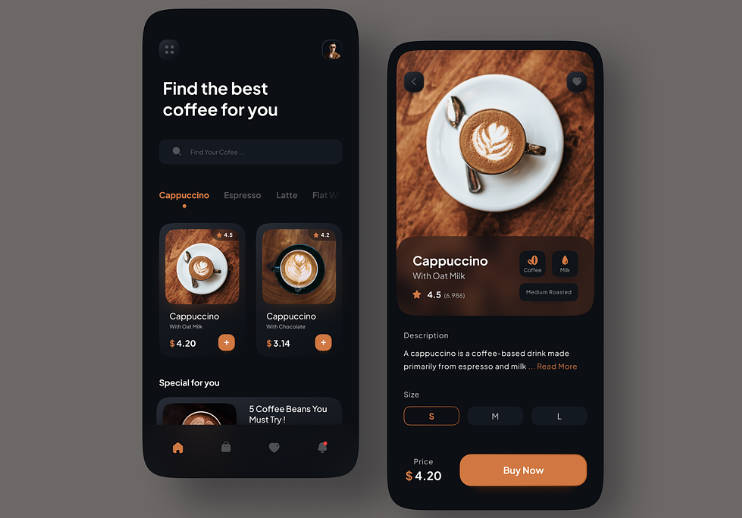
Coffee Shop Beautiful UI for Flutter
Read Time:18 Second

Coffee Shop Beautiful UI for Flutter

0 0

Coffee Shop Beautiful UI

Installation
Coffee Shop Beautiful UI for Flutter

To get started, you need to have Flutter installed on your machine. Then, follow the instructions below:

  1. Open the terminal and navigate to the project folder.
  2. Run the command flutter packages get to install the required packages.
  3. Run flutter run to build and run the debug app on your emulator/phone

Demo
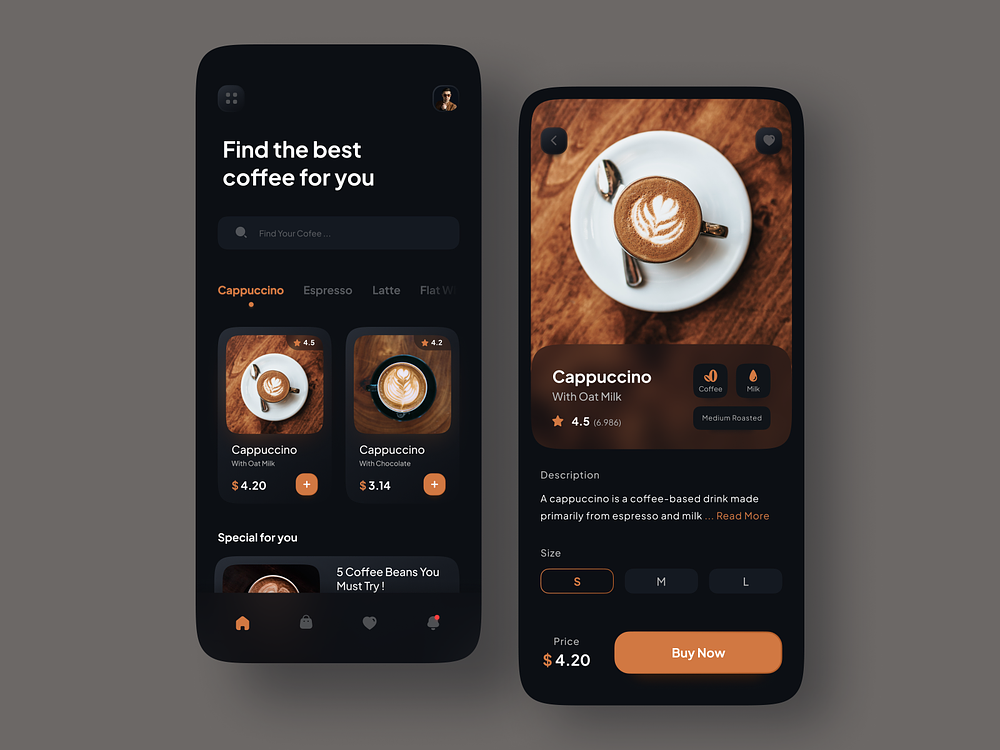
Coffee Shop Beautiful UI for Flutter

GitHub

View Github

Happy
Happy
0 %
Sad
Sad
0 %
Excited
Excited
0 %
Sleepy
Sleepy
0 %
Angry
Angry
0 %
Surprise
Surprise
0 %

Average Rating

5 Star
0%
4 Star
0%
3 Star
0%
2 Star
0%
1 Star
0%

Deja una respuesta

Entrada anterior A simple Rock Paper Scissors game project with Flutter
Entrada siguiente Simple Flutter app to learn Japanese writing systems Hiragana, Katakana and Kanji