
 0
0
 0
0
E-Commerce Complete App – Flutter UI
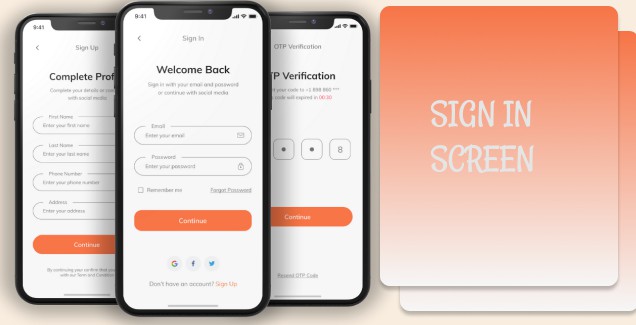
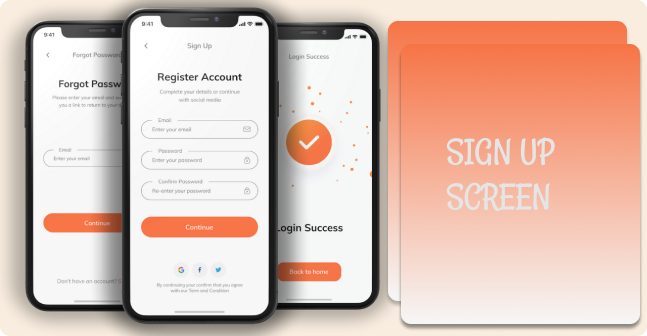
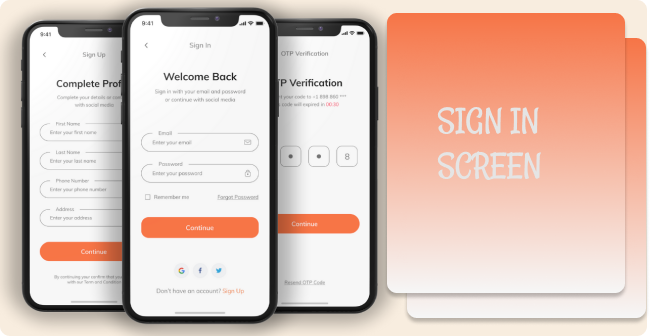
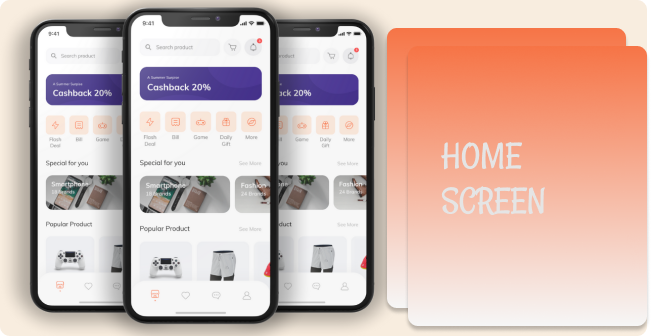
In the first part of complete e-commerce app, I show you how you can create a nice clean onboarding screen for your e-commerce app that can run both Android and iOS devices because it builds with flutter. Then , I build a Sign in, Forgot Password screen with a custom error indicator. After that Sign Up and OTP screen. The last is the most exciting one because we build our home page, we work on our product page, last not least we build an order screen which has some cool stuff like swipe to remove. At the end we build a profile screen.
Packages I’m using:
- flutter_svg: link
Screens it contains:
=> Onboarding
=> Login
=> Forgot Password
=> Sign Up
=> Complete Profile
=> OTP Verification
=> Home Page
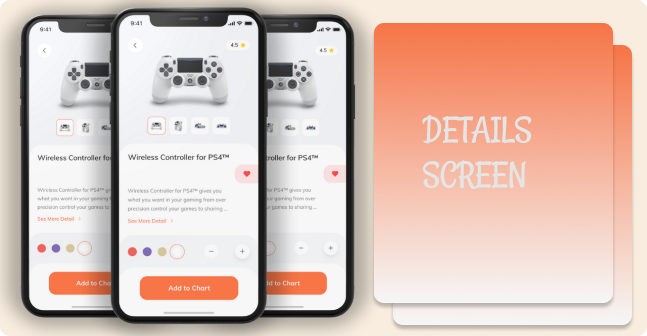
=> Product Details
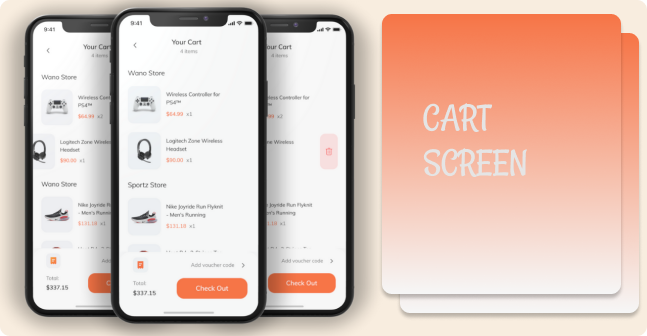
=> Order
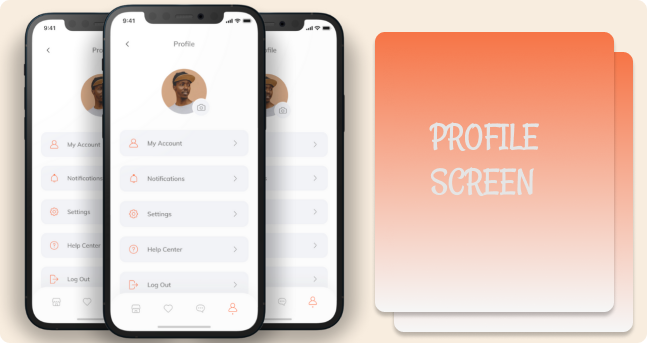
=> Profile
=> Bottom Navigation Bar
All Final UIs
GitHub


Happy
0 %

Sad
0 %

Excited
0 %

Sleepy
0 %

Angry
0 %

Surprise
0 %


Average Rating