
 0
0
 0
0
Shop App
A new Flutter application.
Getting Started …
flutter e-Commerce application using Bloc, Dio, and shared preferences.
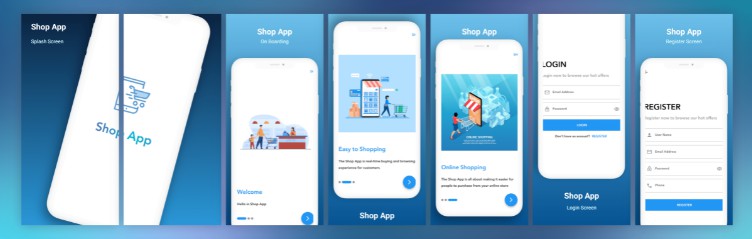
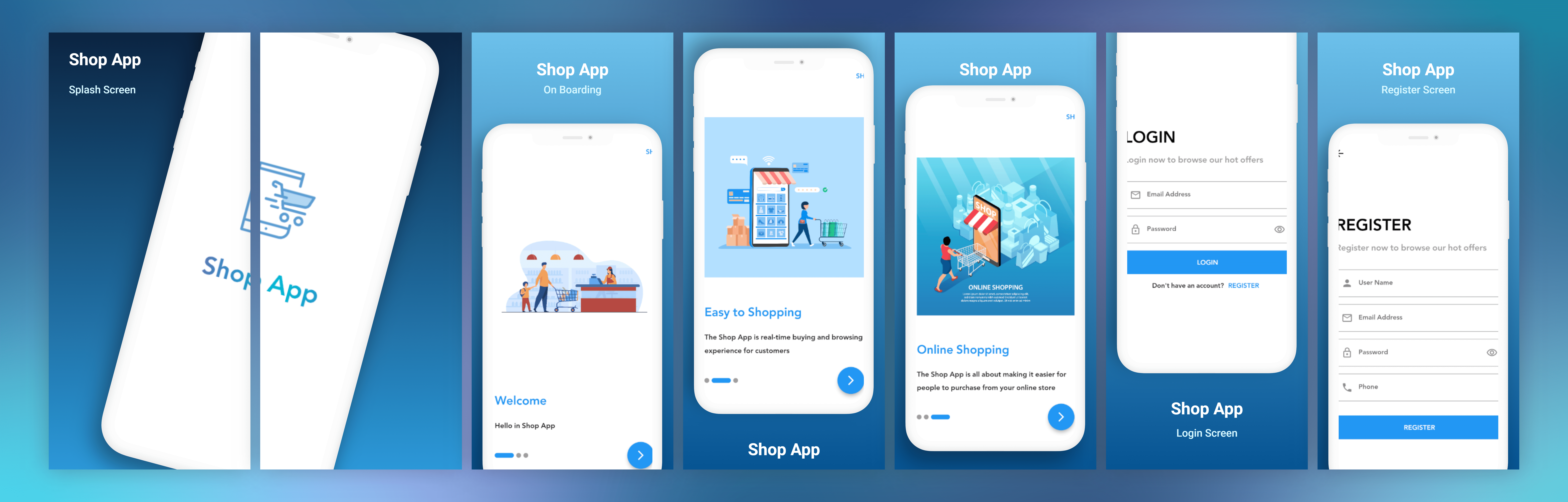
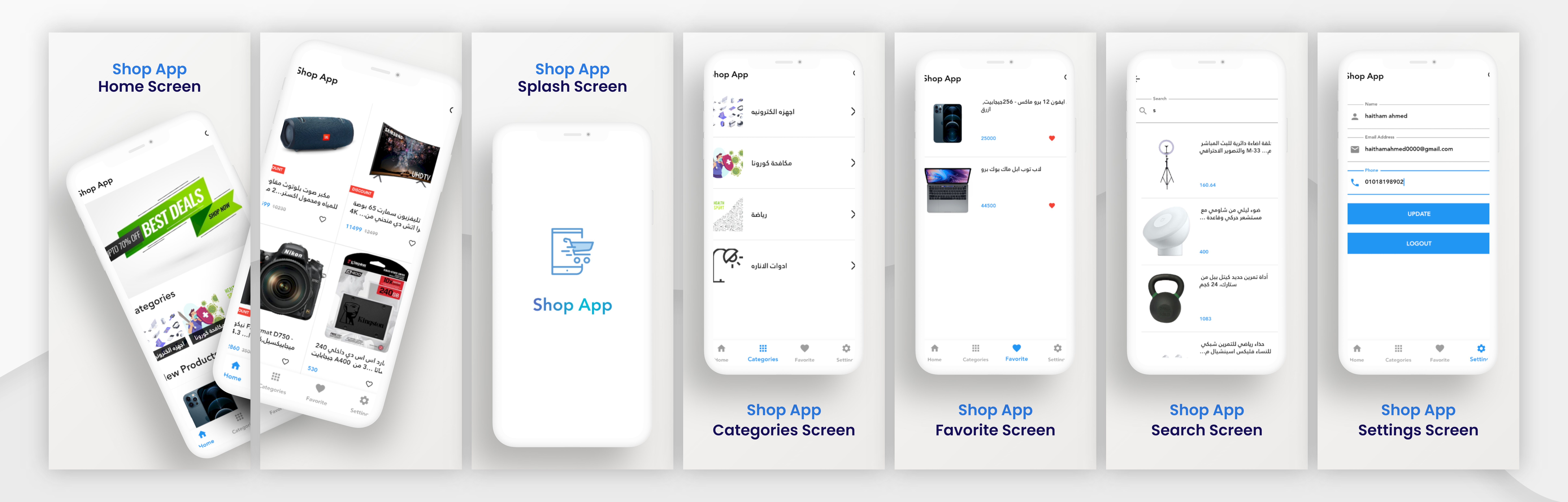
Onboarding screens with skip button. Login and register screens with form validation and shared preferences to save user’s token to see if he/she logged before so the app navigates directly to the home screen. Beautiful home screen with the search bar. The bottom navigation bar moves fast between screens. 4 screens one for products and one for favorites and one for categories. And finally, the settings screen so you can change your data or sign out.
Hello in Shop App
This project is a starting point for a Flutter application.
A few resources to get you started if this is your first Flutter project:
For help getting started with Flutter, view our
online documentation, which offers tutorials,
samples, guidance on mobile development, and a full API reference.


Average Rating